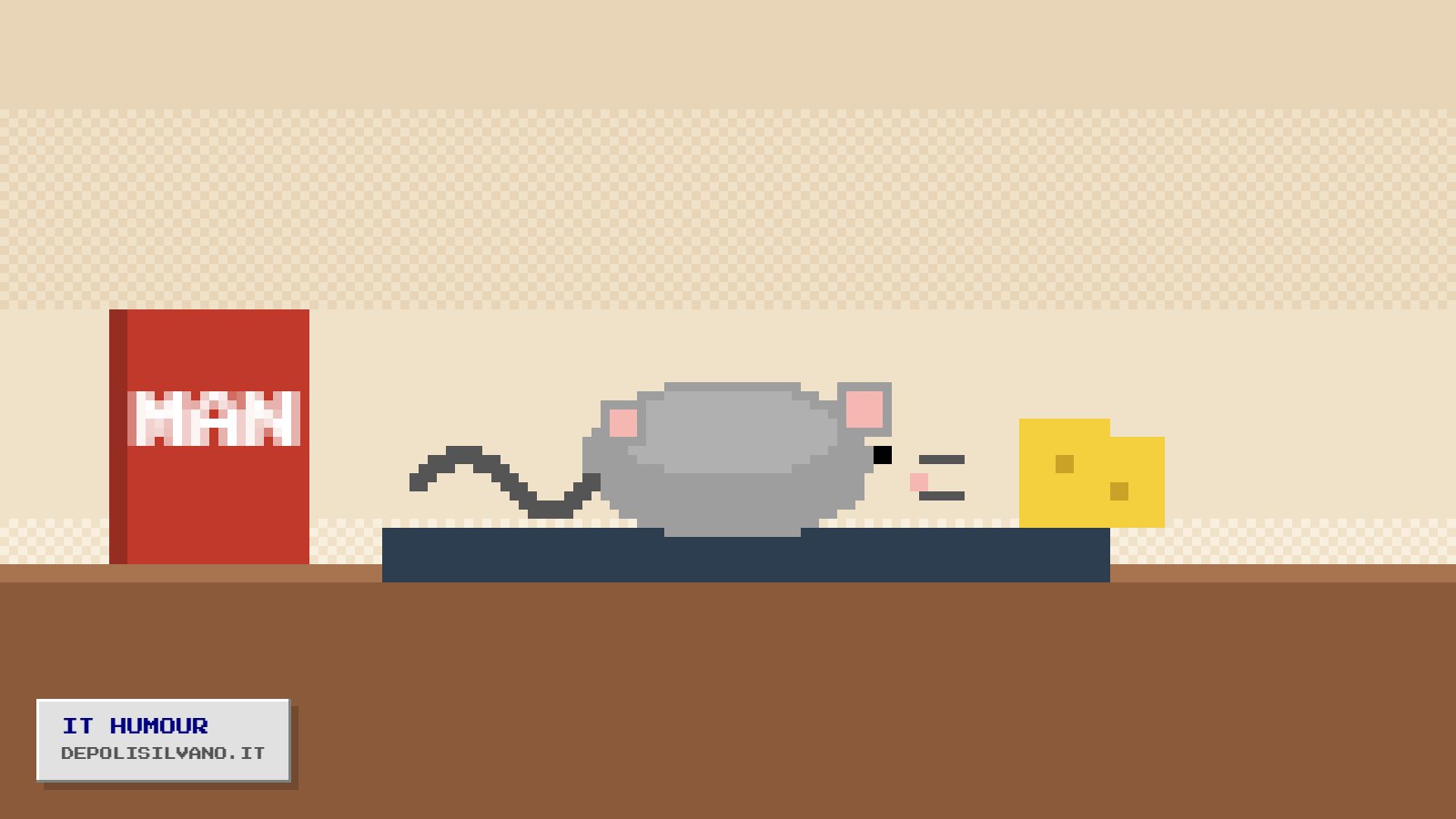
I received the manual for a cheap mouse, translated by someone who clearly didn't know that a computer mouse is not a rodent. They translated everything accordingly. I report the most important parts here, because I believe anyone who owns a mouse should know how to look after it.
Introduction
Congratulations on purchasing your new desk mouse. The mouse is an intelligent, quiet pet, devoted to the cursor. If treated with respect, it will live long on your desk and will not nibble your documents. If treated badly, it will get stuck in a corner of the screen and refuse to come out.
Identifying your mouse
- Mouse with tail: traditional model. The tail must be connected to the computer. Do not pull it: the mouse takes offence and stops clicking.
- Tailless mouse: modern model, also known as the wild variety. It tends to wander away from the receiver and hide under the keyboard. Call it back with a firm click.
- Ball mouse: an elderly specimen, now rare. Clean it gently, removing the fluff and cake crumbs accumulated over years of honourable service.
- Optical mouse: has a small red light on its belly. It is not ill. It is its way of seeing the world.
Feeding
The tailless mouse feeds exclusively on AA batteries. Do not give it cheese: this voids the warranty and attracts field mice, which are incompatible with the operating system. If the mouse moves in jerks, it is hungry. If it does not move at all, it has been hungry for too long.
Habitat
The mouse loves flat, matt surfaces. Avoid glass: the optical mouse sees its reflection, gets confused and runs off in random directions. The mouse mat is its burrow: keep it clean. A mouse without a mat is a sad mouse, and you can tell from the pointer.
The wheel
In the middle of its back the mouse has a little wheel. Turn it and the pages scroll. It is not a hamster wheel: the mouse must not run inside it. If it does, contact a specialist technician or, failing that, a vet with a knowledge of computing.
Hibernation
After a few minutes of inactivity the tailless mouse goes into hibernation to save energy. To wake it, simply move it gently. Do not shake it, do not blow on it, do not call it by name: it has no name, it has a serial number.
Final warnings
- Do not leave the mouse near the cat. The cat does not understand the manual.
- The mouse must not be washed in the dishwasher, not even on the eco programme.
- If the mouse double-clicks on its own, it is not possessed. It is tired. Replace it with a younger specimen.
Personally, I have followed all the instructions. My mouse is doing well, eats regularly and for the past few days has been looking at me strangely. I think it wants a new mat.
Loosely based on an old piece from the teneraerbetta.it archive