They say software should be “user-proof”. Anyone who works in support knows it's like building a waterproof dam: you try, you pour in all the concrete in the world, and the water always finds a new and creative way through. Here is a collection of calls received by various technicians, myself included, with names left out out of affection.
The key that isn't there
A gentleman calls because the program asks him to press “any key” and for forty minutes he has been searching the keyboard for the Any key. He found Ins, End, PrtSc, even the key with the little window on it. No Any. He concluded that his keyboard was missing it, and wanted to know whether, under warranty, they send it separately.
The cloud, that great unknown
- A customer asks me to “download the cloud onto a USB stick”, so if the power goes off her photos stay safe.
- Another wants to know whether the cloud has problems when it rains. I told her no. She moved her photos “to the folder at the bottom” anyway, just in case.
- A gentleman cancelled his cloud subscription because “I've got everything on my phone anyway”. The phone, meanwhile, was saving everything to the cloud. A perfect circle. Then a perfect void.
The printer and eyesight
The computer reports “Printer not found”. The user, reasonably, picks up the laptop and moves it closer to the printer, then turns it so the screen gets a good look at it. Nothing. So he moves it even closer, until they're touching. He calls me and says: “They're right next to each other now, it's got to see it”. I explained Wi-Fi to him. He asked me whether Wi-Fi wears glasses.
The mouse lid
A lady complains that her new mouse slides badly and the pointer moves in jerks. On the phone I ask her to turn it upside down and describe what she sees. “I see the clear plastic bag.” She had been using the mouse inside its packaging for two weeks. She thought it was a dust cover. To be fair, it hadn't picked up any dust.
The screenshot
“Send me a screenshot of the error”, I ask. A photo of the screen arrives, taken with a phone, crooked, with the reflection of the window and half a cat. Then another one, printed, photographed and sent via chat. Then the actual printout, by post, three days later, in an envelope marked “URGENT ERROR”. I kept it. It's hanging in the office.
The QR code
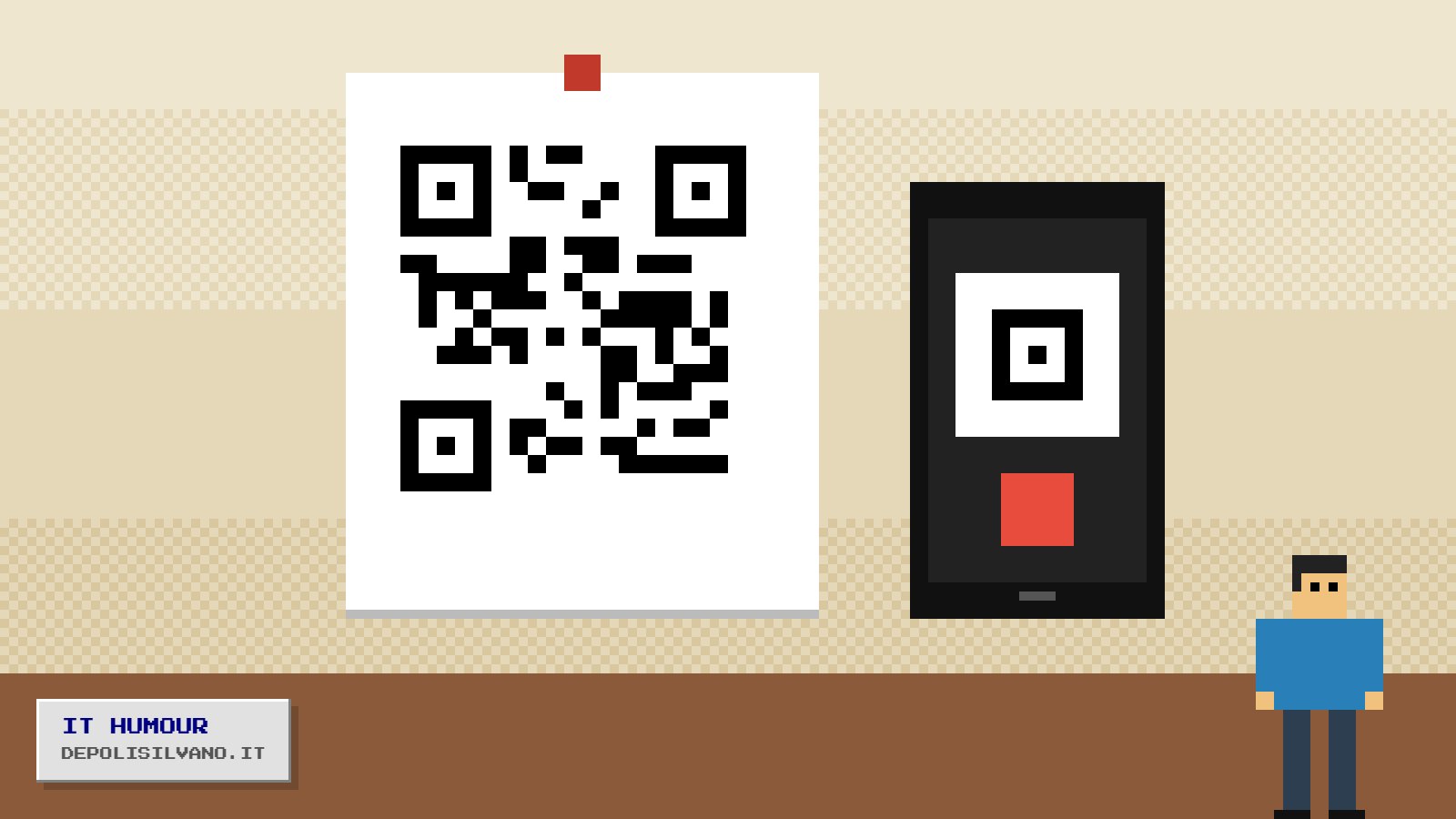
A shopkeeper wanted his website's QR code on his shop window. I sent it to him. He photographed it with his phone, printed the photo, photocopied the print enlarged and then laminated it. The code now leads to a page that says “format not recognised”. He's happy anyway: “At least people stop to look at it”.
The secure password
- One user followed all the rules: capitals, lower case, numbers and symbols. Then he wrote it on a post-it stuck to the monitor, “so I don't lose it”.
- Another had “password” as his password. When the system forced him to change it, he chose “password2”. Then “password3”. He got up to 47. By now it's a dynasty.
- A customer, asked “What's the password?”, replied: “I can't tell you, it's secret”. Quite right. Shame the problem was precisely that she couldn't remember it.
The smart assistant
A gentleman asked his home voice assistant to “fix the computer”. The assistant replied with a recipe for pasta e fagioli. He made it, it was good, and he never called me again. Sometimes technology solves the problem from the wrong end.
The mysterious switch
Last one, my favourite. A customer calls because his new PC “isn't doing anything”. He's been sitting in front of it for half an hour, everything plugged in, waiting. “Have you pressed the power button?” Silence. “What button?” He told me, with great dignity, that he thought it would switch on “when it realises someone's there”. I told him computers aren't that polite yet. They're working on it.
We laugh, of course. But with affection: every technician, the first time, looked for the Any key. They just never told anyone.
Loosely based on an old piece from the teneraerbetta.it archive