- TYPE :
- System plugin for Joomla: screen saver
- VERSION:
- 1.2.0
- DATE:
- 2026-11-23
- WORKS WITH:
- Joomla 5.x, 6.x · PHP 8.1+
- LICENSE:
- GPL-2.0-or-later
- SIZE:
- 26,9 KB
SHA-256 5480902d12bc6051711dadd564ccfdcf2a8ff8808f5df6ea6476494498760142
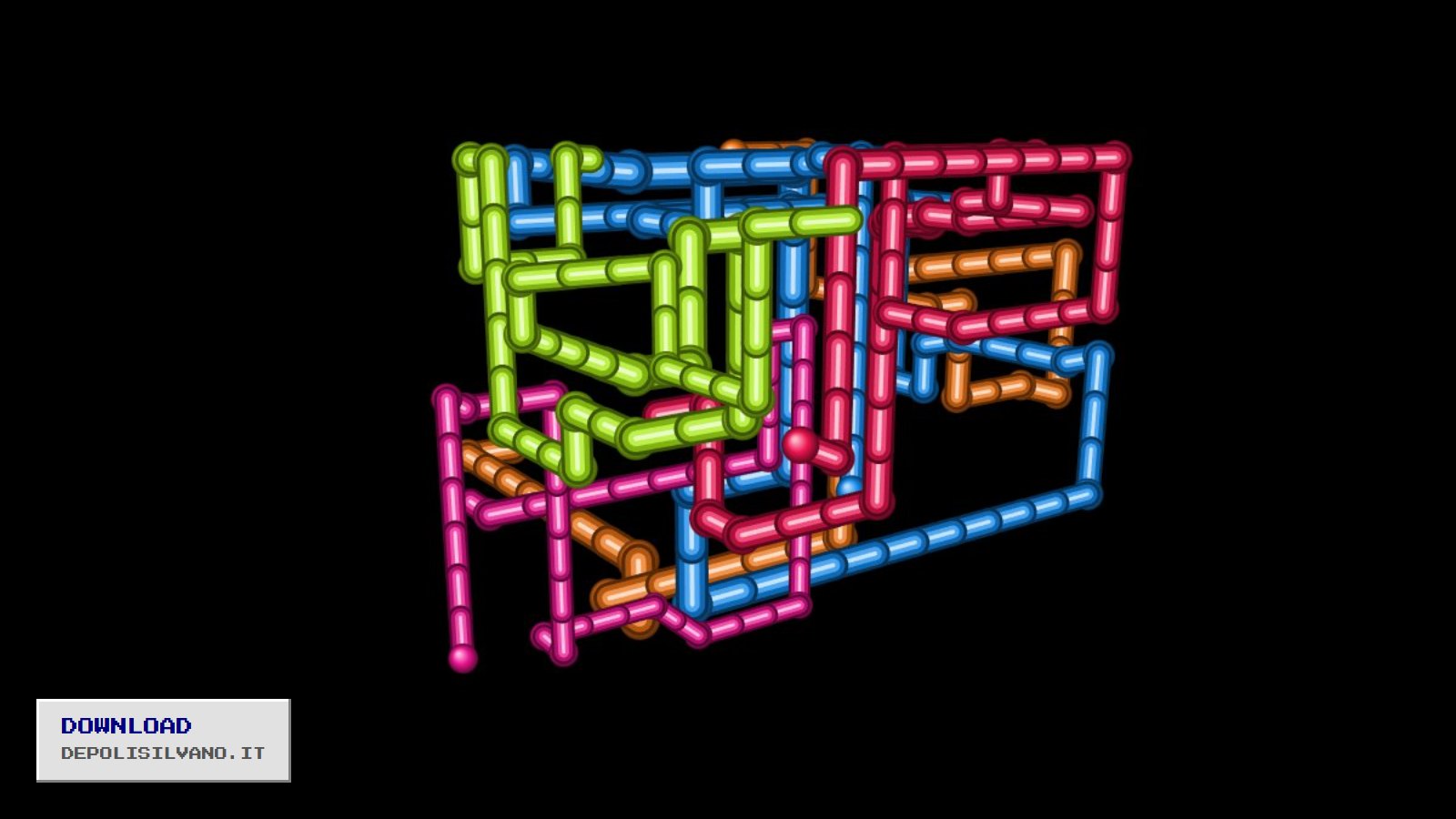
Pisolino (Italian for "nap") is the old-fashioned screen saver, for a Joomla site. If the page sits there with nobody moving the mouse, pressing a key or scrolling, after 30 seconds (you choose the time) a full-screen animation starts. The first movement switches it off, and that movement never reaches the page: no accidental click on a link.
The animations
Twelve, written from scratch on canvas, with no external libraries. Ten rebuild the screen savers that ran on 1990s PCs: flying through space, mystic, curves and colours, scrolling text, flying windows, 3D maze, 3D pipes, 3D text, flower box and blank screen. Two were born for retroai.it: the amber terminal, with the log of a sleeping server, and the flying floppies. The library is only loaded when the screen saver starts, so the page weighs no more.
Installation
- Download the zip.
- In Joomla: System > Install > Extensions, drag the zip in.
- System > Plugins, search for "Pisolino" and enable it.
In the options: seconds to wait (5 to 3600), home page only or every page, a fixed animation or a random one among those you pick, the text for the scrolling text and the 3D text, phones yes or no, logged-in users yes or no. To show an animation inside an article just write {pisolino tubi}: you get an animated box with a button to try it full screen.
Pisolino respects people who asked their system to reduce motion (they get the blank screen), waits while a video or audio is playing and never starts in hidden tabs. It uses no cookies and stores nothing. Updates arrive from the Joomla panel. Licence GPL v2 or later.
- [2026-11-23] v1.2.0 ADD @luigiadamo
New Site animations option: a site script can add its own animations (for example commercials or logos), loaded only when the screen saver starts and included in the random pick, without touching the plugin.
- [2026-11-23] v1.1.0 ADD @luigiadamo
New Inside the element option: the screen saver can fill just one part of the page (for example the screen of a monitor drawn by the template) instead of the whole window.
- [2026-11-23] v1.0.0 ADD @luigiadamo
First release: screen saver after 30 seconds without signals (adjustable), on the home page only or on every page; the first movement switches it off.
- [2026-11-23] v1.0.0 ADD @luigiadamo
Library of 12 canvas animations: ten 1990s classics rebuilt from scratch and two made for retroai.it (amber terminal and flying floppies).
- [2026-11-23] v1.0.0 ADD @luigiadamo A11Y
Respects the system's reduced motion setting, waits while a video is playing or the page is hidden; article preview with {pisolino name}.
C:\PISOLINO> _